Development mumbo jumbo
blog
-
 As usual, I love to take part on the javascript 1k code golfing competitions and this year was no different, so I managed to do something for 2021 edition the js1024.fun. The submitted version can be seen directly here: 1k Butterfly Sakura, a slightly fixed and updated version here: 1k Butterfly Sakura - update and the source code: 1k Butterfly Sakura source I took inspiration on a Unity3D Experiment by Max Gittel I saw in the past, but to recreate it (more or less) in 1k. The original experiment can be seen here in action https://twitter.com/maxSigma_/status/1264900383081664514) I started by trying...
-
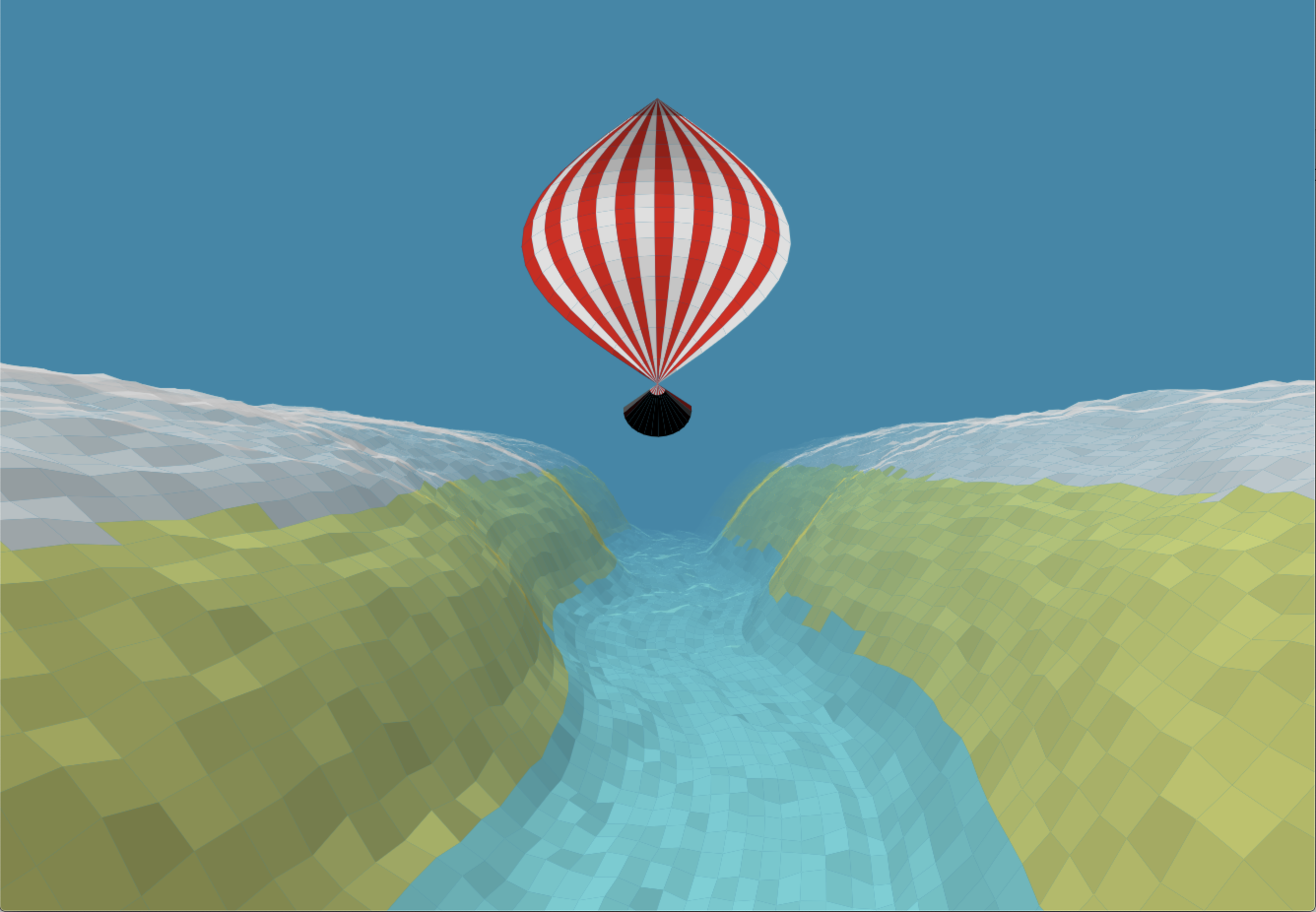 Last year was the last edition of js1k, a 1k JavaScript code golfing competition I usually took part. Last month, I saw a tweet by Xem that he was preparing a js1k successor: js1024.fun so I decided I must take part as well even though I had very limited time 😎. The end result can be found here, but I’ll go through the development process to explain what I wanted to do and what I did at the end (and how!) My first idea was very different, in fact I wanted to build something with flowers. I had the idea...
-
 Few days ago I had the great opportunity to speak at Oracle Code One (https://www.oracle.com/code-one/). I spoke about the canvas API performance and how to measure it on the modern web track at the conference and it was the first time I was doing a live coding on the stage! I have been playing with the html canvas for a long time. Specifically, in all the js1k (https://js1k.com/) I have taken part and all the (failed 😔) intents at js13k (https://js13kgames.com/) and I have learned and noticed some performance pains that might be worth sharing with others. There is a...
-
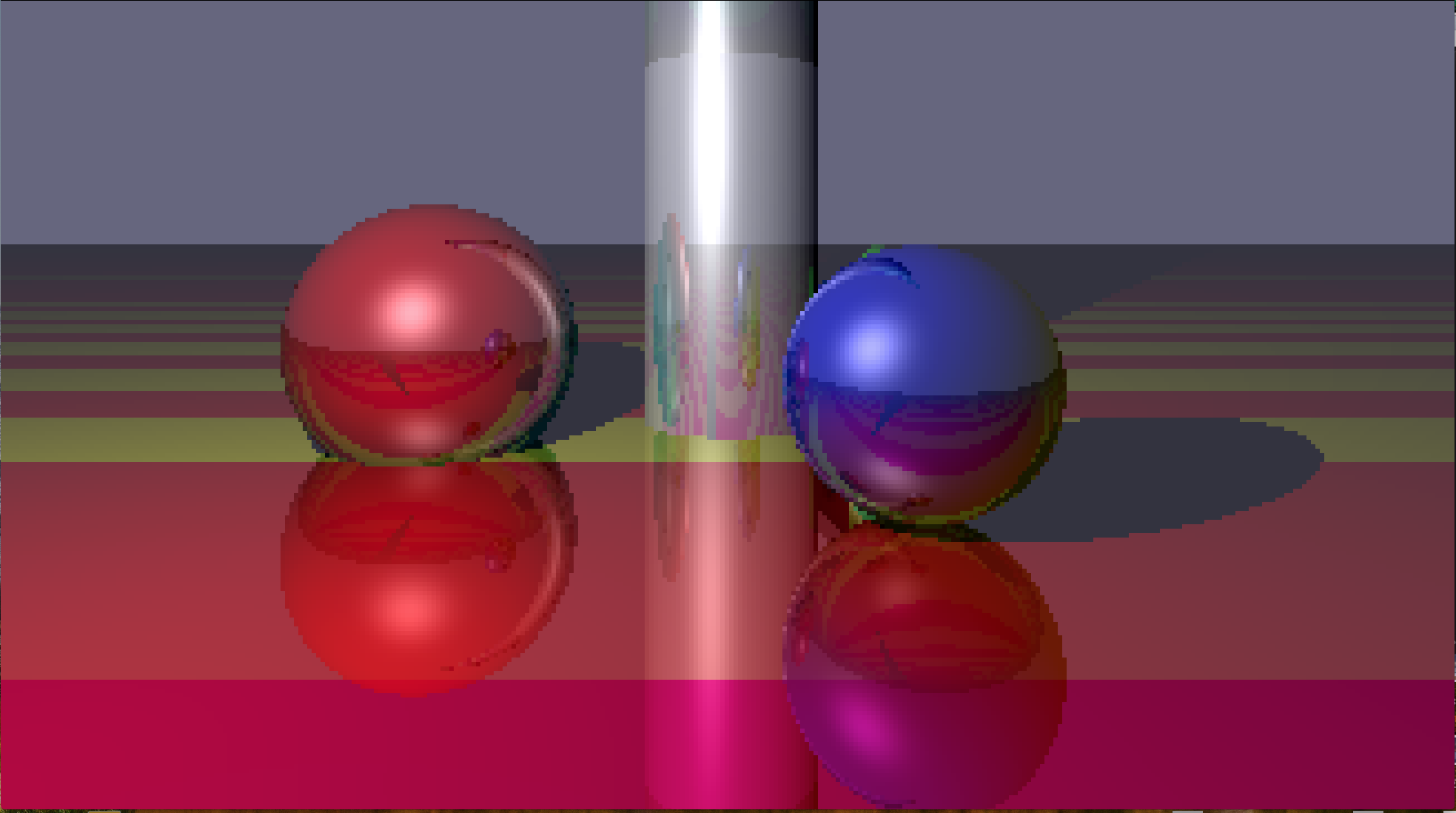 For this year’s js1k I wanted to build a simple ray-tracer to see both how much could I fit in 1k and the performance of js. I started by adding a very simple (trivial) camera implementation and adding a sphere primitive: Results were not mind blowing but, hey, that was a start. Code was pretty simple: //w = canvas width //h = canvas height //F = pixels skipped. At F=1 we would compute the real value each pixel, at 2, we would compute at every 2 pixels, and so on.. // where the camera is and where the camera is...
-
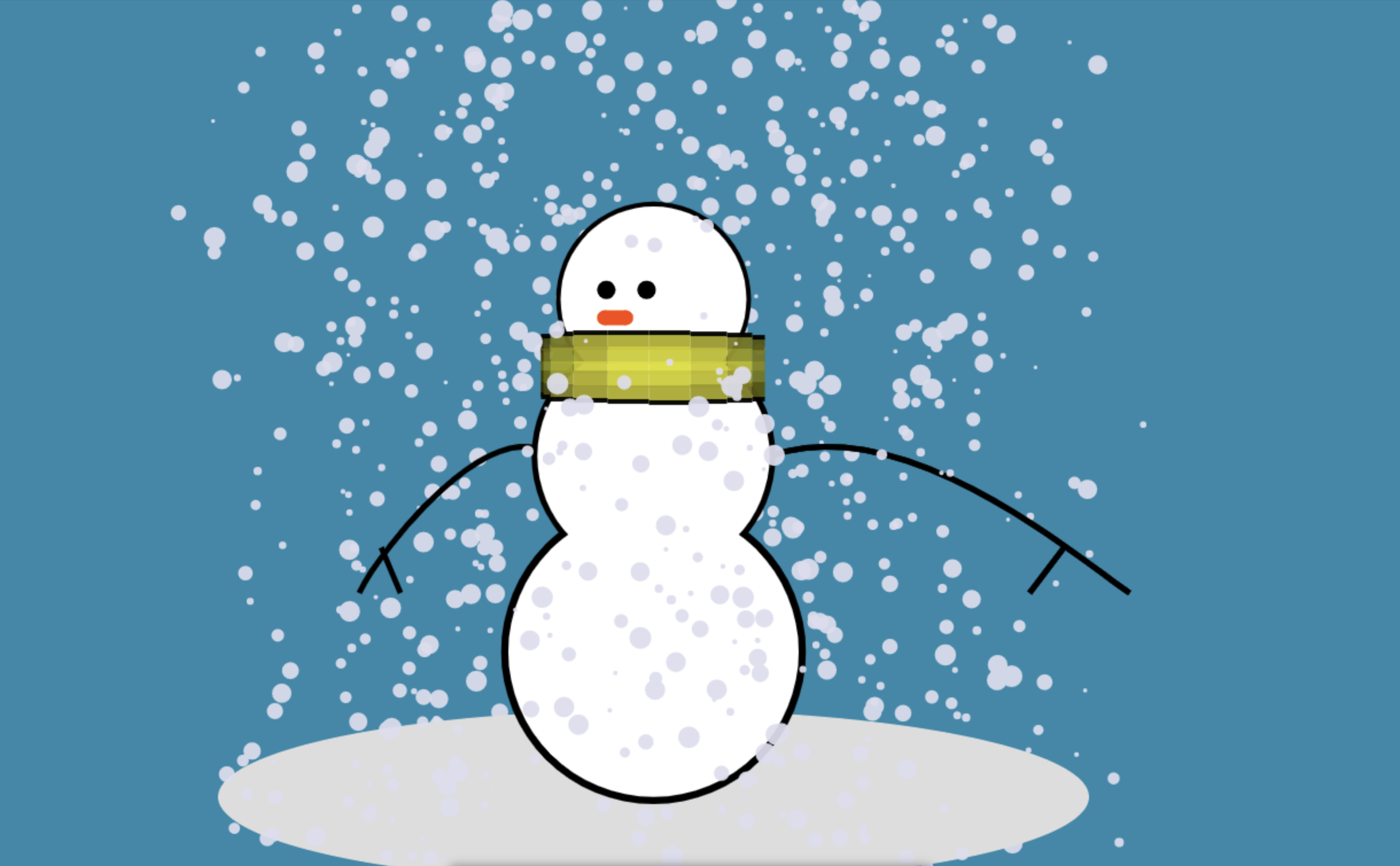 Last week, I was invited to take part in one of our development communities. The challenge was to explain something different than what are they using every day and, at the same time, make some fun of me 😉 I just had a small special request, to explain how I created my 2016 js1k entry. So, I used half the session for that purpose and, on the second part, I did a bit of live coding on a HTML5 canvas. As I already imagined I’d be running out of time, I prepared a bit the example the night before and,...
-
 After few more months working at nights, while commuting and weekends, I managed to write a book specialised on Android Custom Views. It covers several topics: first it explains the reasons why we need to build custom views and what are the benefits and drawbacks of using them and then, describes how to start drawing our first shapes, add animations and user interactions and do some more complex rendering or create 3D custom Views in OpenGL ES. Finally, it also shows how to share and publish our custom View and how to optimize it for performance. It’s available as ebook...
-
 I know it has been a long time since the last post, but since last summer I was invited to talk at Mobile World Congress Shanghai and I still haven’t talked about the experience I thought it was about time to do so. I spoke at the Transforming Industries Summit about the transformation we’re doing in order to retain and attract talent by increasing our exposure and letting the world know what are we doing. Here is the video of the talk: and the slides: The Digital Evolution of Dinosaurs – MWCS 2017 from Raimon Ràfols On a last minute...
-
 I gave a talk about java bytecode and performance at JavaOne 2016 San Francisco. See below the slides and a recording of the video:
The bytecode hocus pocus – JavaOne 2016 from Raimon Ràfols
I gave a talk about java bytecode and performance at JavaOne 2016 San Francisco. See below the slides and a recording of the video:
The bytecode hocus pocus – JavaOne 2016 from Raimon Ràfols
-
![]() These last months I’ve been very busy writing a book about Android development. It covers from the very basics to application testing and using third party libraries to make your life as a developer easier.
It’s available both in ebook and printed format, if you’re interested, grab a copy!
PacktPub
https://www.packtpub.com/application-development/learning-android-application-development
Amazon
https://www.amazon.es/Learning-Android-Application-Development-Montane/dp/1785286110/
O’Reilly
http://shop.oreilly.com/product/9781785286117.do
Rakuten
http://books.rakuten.co.jp/rk/a635fb0c500f374a997c977adbe0d71c/
Kobo
https://store.kobobooks.com/en-us/ebook/learning-android-application-development
Booktopia
http://www.booktopia.com.au/ebooks/learning-android-application-development-raimon-rafols-montane/prod9781783553846.html
These last months I’ve been very busy writing a book about Android development. It covers from the very basics to application testing and using third party libraries to make your life as a developer easier.
It’s available both in ebook and printed format, if you’re interested, grab a copy!
PacktPub
https://www.packtpub.com/application-development/learning-android-application-development
Amazon
https://www.amazon.es/Learning-Android-Application-Development-Montane/dp/1785286110/
O’Reilly
http://shop.oreilly.com/product/9781785286117.do
Rakuten
http://books.rakuten.co.jp/rk/a635fb0c500f374a997c977adbe0d71c/
Kobo
https://store.kobobooks.com/en-us/ebook/learning-android-application-development
Booktopia
http://www.booktopia.com.au/ebooks/learning-android-application-development-raimon-rafols-montane/prod9781783553846.html
-
![]() These days I am at Droidcon Italy in the beautiful city of Turin and, earlier this morning, I gave a talk about Android performance from the point of view of bytecode (oh big surprise here)
Here are the slides:
#perfmatters
These days I am at Droidcon Italy in the beautiful city of Turin and, earlier this morning, I gave a talk about Android performance from the point of view of bytecode (oh big surprise here)
Here are the slides:
#perfmatters
-
![]() This year, as usual, I got the inspiration from somewhere else 🙂 Checking twitter while commuting I saw a re-tweet with a voxel image, I dug up a bit and, to be honest, I was really impressed by the amazing work of @Sir_carma: More work of Sir_carma More specifically in this voxel image: Source: https://twitter.com/Sir_carma/status/651500940822974464 So I did my best to recreate it in 1k and here is the result: http://js1k.com/2016-elemental/demo/2497 or go to the js1k page for bigger preview: http://js1k.com/2016-elemental/demo/2497 and feel free to leave a message in the reddit thread: https://www.reddit.com/r/js1k/comments/48ndh9/demo_2497_voxeling_by_raimon_r%C3%A0fols_canvas_1024/ and, of course, do not hesitate...
This year, as usual, I got the inspiration from somewhere else 🙂 Checking twitter while commuting I saw a re-tweet with a voxel image, I dug up a bit and, to be honest, I was really impressed by the amazing work of @Sir_carma: More work of Sir_carma More specifically in this voxel image: Source: https://twitter.com/Sir_carma/status/651500940822974464 So I did my best to recreate it in 1k and here is the result: http://js1k.com/2016-elemental/demo/2497 or go to the js1k page for bigger preview: http://js1k.com/2016-elemental/demo/2497 and feel free to leave a message in the reddit thread: https://www.reddit.com/r/js1k/comments/48ndh9/demo_2497_voxeling_by_raimon_r%C3%A0fols_canvas_1024/ and, of course, do not hesitate...
-
Few weeks ago I was invited as a speaker to the “Jornades Emprenedoria i Tècniques Institut Poblenou” and yesterday I went there and gave a talk about product vs project, lean approach, ux and, at the end I explained the AngelHack experience, what are hackathons, why is useful to attend,...
-
There has been a lack of updates on this blog.. yes… I’m fully aware. But I’ve been speaking in some more conferences (like if that was a good excuse…). For example, last weekend, I spoke at the first edition of JBCNConf here in Barcelona about Java performance and basically what’s...
-
These last months I’ve been speaking in some mobile conferences: – Mobiconf (Krakow – Poland) – Droidcon UK (London) – Droidcon NL (Amsterdam) Here is a video recording of my presentation at Droidcon UK: (you can create a free account with skills matter if you don’t have one) https://skillsmatter.com/skillscasts/5628-how-to-improve-android-app-performance-with-the-new-art-runtime-and-dalvik-vm-perfmatters And...
-
Just to wish you all Happy 2015!
http://labs.rafols.org/xmas15/x15.html
click inside for additional snow
pixel art by loopicraft inspired by http://www.veryimportantpixels.com/movie-directors/
-
When looking for performance it’s important to understand what is going on at the compiler level and how the compiler is optimising our code. For example, enabling the assembly output will allow us to see what is exactly generating and have a greater understanding of why some parts of the...
-
Last year I said I had a very ambitious idea for the js1k 2013 competition but I didn’t had the time and I thought to leave it for the following year. This year, once again, I could only work on my entry the day before the deadline, so I decided...
-
Last week I did a presentation at BcnDevCon about improving Java Code Performance. The focus of the presentation was showing some examples of compiled java sources and evaluate the performance impact of different ways of looping, string concatenation or using Java 1.5 features as autoboxing or foreach loops. According to...
-
Autoboxing is a nice feature added to Java 5 to avoid writing boxing code to add, for example, primitive data types to a Collection as you can only add the appropriate wrapper class (Integer for int, Long for long, …). I’ve recently seen the autoboxing feature being widely used all...
-
Ara fa unes setmanes l’equip del programa Gentilicis va estar per Vilanova gravant un nou episodi. En aquest episodi entrevisten a Toni Albà i parlen sobre el pasat, present i futur de la ciutat amb altres vilanovins. Concretament parlen amb Anton Font, fundador dels Joglars; Albert Tubau, de l’ADEG i...
-
I was thinking to take part into the javascript 1k competition (here) but as I didn’t had too much free time and never really did that much in javascript targeting at 1k, I discarded the idea. Until I got a very ambitious idea the last day before the deadline.. how...
-
Usually on Friday afternoons, while having a social drink, we do some technical presentations to share our knowledge to other colleagues. One of the presentations I did was about Java internals, class file format, bytecode and some code injection I had to do. The funny part was after all the...
-
Last thursday I did an introduction to BlackBerry10 for Android developers. I focused most on the current limitations and possibilities of the Android Runtime of BlackBerry10 and I’ve also used some slides explaining how to convert a binary .apk file to a BlackBerry10 .bar file and sign using command line...
-
Next week during Mobile World Congress I am going to do a presentation about BlackBerry 10 together with Jorge del Casar, BlackBerry Developer Evangelist in Spain. The event is organized by GDG Barcelona and will be held in the Facultat Informàtica Barcelona [googlemaps https://maps.google.es/maps?ie=UTF8&cid=17558281092145204566&q=Facultat+d’Inform%C3%A0tica+de+Barcelona&gl=ES&hl=en&t=m&ll=41.389415,2.113323&spn=0.005634,0.00912&z=16&iwloc=A&output=embed&w=425&h=350] If you’re a developer it’s a...
-
I live in a rather small and calm city called Vilanova i la Geltrú, close to Barcelona and to other touristic places like Sitges, most of the time goes completely unnoticed. What applies to tourists also applies to some terms like technology, companies, … As an example, few months ago...
-
El passat dia 16 Canal Blau TV va parlar de l’aposta de Vilanova pels smartphones. Dins d’aquesta “petita” notícia va fer una refèrencia a Service2Media i a la petita aplicació que vaig desenvolupar per a llegir les notícies de l’ajuntament de Vilanova publicades al seu RSS Feed. Aquí teniu el...
-
This last weekend we got the official confirmation from Research In Motion about our proposal to create an official, RIM-Sponsored, Barcelona BlackBerry Developer’s Group. And it’s no longer a proposal, it’s a reality!! Now is time to get as much developers interested and involved in the project and try to...
-
Des de fa uns dies estic intentant posar Vilanova al mapa… En alguns temes la veritat és que ja hi es i a més hi destaca.. però per exemple, amb el terreny de les aplicacions mòbils hi havia com un buit… Afortunadament no estic sol i ja hi ha gent...
-
Few days ago I did a presentation about the ‘smartphone revolution’ at my hometown local companies association ADEG. The presentation went very well and there was around 25 people there. I did the presentation together with Conrad Rovira, owner of A16 Sistemes Informàtics and we both managed to show the...
-
In my last post I showed how to get position and orientation updates. In this short post (also because it’s quite simple) I’ll show how to integrate it with the camera preview. To show the camera preview in Android it’s quite easy, just create a class that extends from SurfaceView...
-
Since I had my first android phone I got curiosity into augmented reality. I have to say, compared to j2me, android is a lot more powerful and you get surprised about how easy is to achieve some things than in j2me are near impossible or rather complicated. Also seems that...
-
Service2Media is looking for experienced developers to extend our development team in Enschede These are the positions currently available: Senior Java Developers – Candidates must have expertise in web server technology, in-depth Java knowledge on Linux platforms – Speaks and writes English fluently – Have a BSc or MSc degree...
-
Lately I’ve been creating some low level image functions for Java ME just to see if low level bitmap manipulation was way too slow for doing it on real time on Java ME or it was, at least, usable. I’ll publish more functions but I’ll start with Image Rotation. In...
-
I have been playing a bit this afternoon with my old raytracer and decided to wrote a a small implementation in j2me.. yes.. it sounds completely useless but it was quite fun to remember the old days. It’s a very basic raytracer, it only supports spheres and planes and then...
-
Interested in coming to the Netherlands? 🙂
Go to the jobs section of Service2Media.
-
Yes.. it has been a long time since last post.. I have been a bit busy (ok.. not the whole 8 months) moving to the Netherlands. Since June-08 I’m living and working in Enschede, a nice city in the east border of the Netherlands. [googlemaps https://maps.google.com/maps?f=q&source=s_q&hl=en&geocode=&q=Enschede&sll=37.0625,-95.677068&sspn=58.337319,135.351563&ie=UTF8&s=AARTsJoOdjmfdWz_VCzTlBjE-whb4l85HQ&ll=52.219808,6.892204&spn=0.105166,0.145912&z=12&output=embed&w=425&h=500] Some images of the...
-
Unfortunately we didn’t win anything at the NFC Competition… It was a pity after all the effort but what usually happens in a competition is that not everyone wins.
Here is a video capture of the application:
http://labs.rafols.org/flvplayer.swf?file=futurlink_nfc.flv&autoStart=false
-
My company has been selected finalist for the NFC Forum Global Competition – Touching the Future with another nine world-wide companies in the “The Best NFC Service of the Year 2008″. The winners will be announced next tuesday (April 29). I designed and developed the J2ME client for Nokia 6131...
-
In this blog I’ll post the experiences of working developing J2ME applications. It will be mainly focused on the graphical part and how the user may interact with them although there will be non-interactive applications like the one I’m introducing below. This was my first attempt to do a 4k...